
BIM assets · How it reaches the architect
The same asset, always published by Stratyo
What changes is where the architect comes in. Your brand page and the files are always there; the panel on your site, whenever you want it.
| What | When | What it is | What it includes |
|---|---|---|---|
| Your brand page and every product page | Always | Published by Stratyo, with your identity and your language. Every file carries the link to its page inside, so the architect comes back even if the file reached them some other way. With statistics. | A product page in the brand’s language · the manufacturer’s logo and links · downloads counted by country and format · version history. |
| The panel on your site | Optional | A download panel on every product page of your website (WordPress, Shopify, whatever it is): the same asset, the same statistics; the architect never leaves your brand. | A script with no dependencies · the Stratyo Verified seal when the version has it, the package button and one card per format (native Revit · IFC4 · textures) · allowed origins per brand · if the script does not load, a link to the product page. |
| The files, in your hands | Always | Download the packages whenever you want and distribute them however you want, including on a marketplace. They are yours. | Export of the catalog or of one collection as a single file, with each package’s hash · the per-product ZIP, always. |
The product page, the panel and the export read the same published package. If a product moves to a new version, it changes in all three places at once, and the previous version stays available for the projects already using it.
What the manufacturer sees on signing in
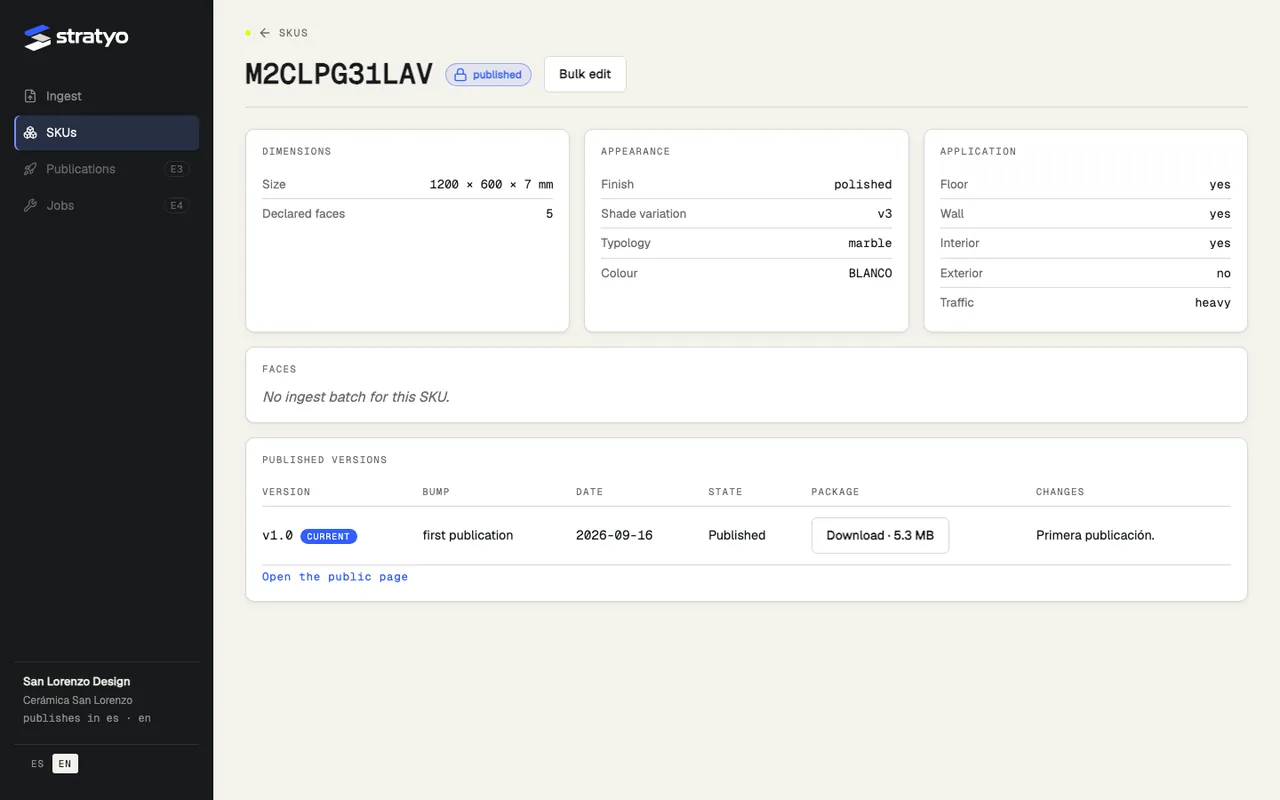
Their brands and products, each one’s state with its reason, the published versions, the catalog export, their team’s users, download statistics by collection, format, country and source, and the panel settings.
Want to see the panel on your site
In the demo we try it on one of your pages, with your catalog. The brand page and the files always come with it; you add the panel whenever you want.